AI agentfor me

Your own AI agent — chat, agent, memory, and Workspace, on a server you own. Log in and follow the guided setup.

takos.example
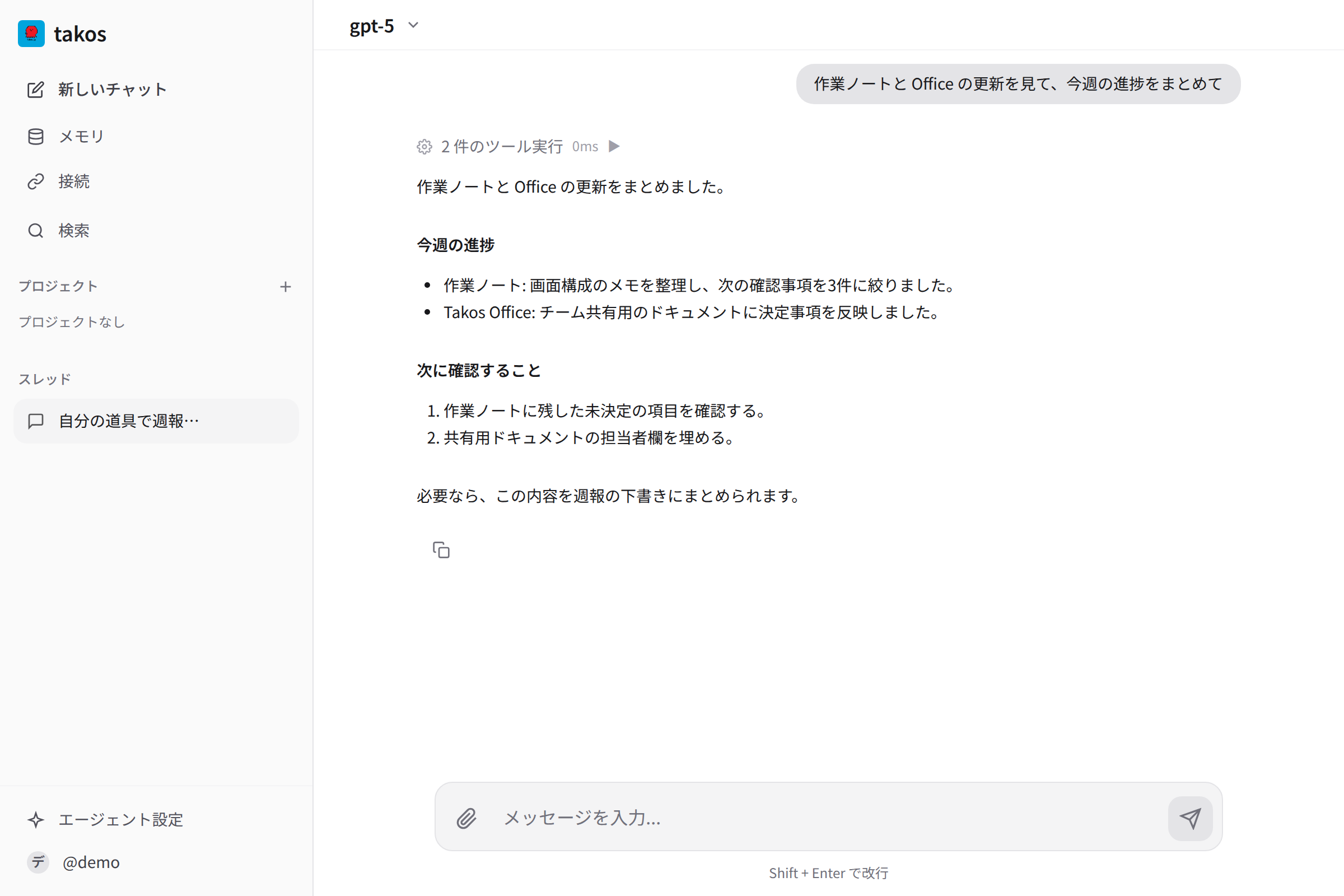
takos の AI チャット画面。エージェントが打ち合わせメモを 3 点に要約し、カレンダー登録とメンバー共有までこなす。

Own your software.

AI is becoming everyday infrastructure. So it is strange that who you talked to and what you taught it keeps piling up on someone else’s server. Takos keeps chat, agent, and memory inside a server you own.

01

Data sovereignty

Conversations, memory, and files all sit inside your own VM or cloud. Nothing piles up on a vendor’s servers, and you can export everything and move to another environment anytime.

02

No lock-in

Tied to neither a SaaS nor a black-box vendor stack. The distribution worker is provisioned as an OpenTofu module; the official target today is Cloudflare. Conversations, memory, and state stay on your origin, and Git plus Backup let you move to another host or environment.

03

Freedom to fork

AGPL, with all code public. Fork it for your needs — add features or remove them. You are never boxed into a black-box “as offered” scope.

Four cores that mesh.

Chat to talk, agents to act, memory that accumulates, and a Workspace that ties it together. They become your own AI environment only when they mesh — not as standalone features.

01 · chat

Chat

Many models, one thread.

Use cloud LLMs and local models, switching between them in the same conversation. Threads are organized inside a Workspace, and all history stays on your own server. What you said to which model never leaves for a vendor.

  • Switch LLMs within a thread
  • Organized as threads per Workspace
  • History stays on your server
02 · agent

Agent

Calls tools, touches files, runs steps.

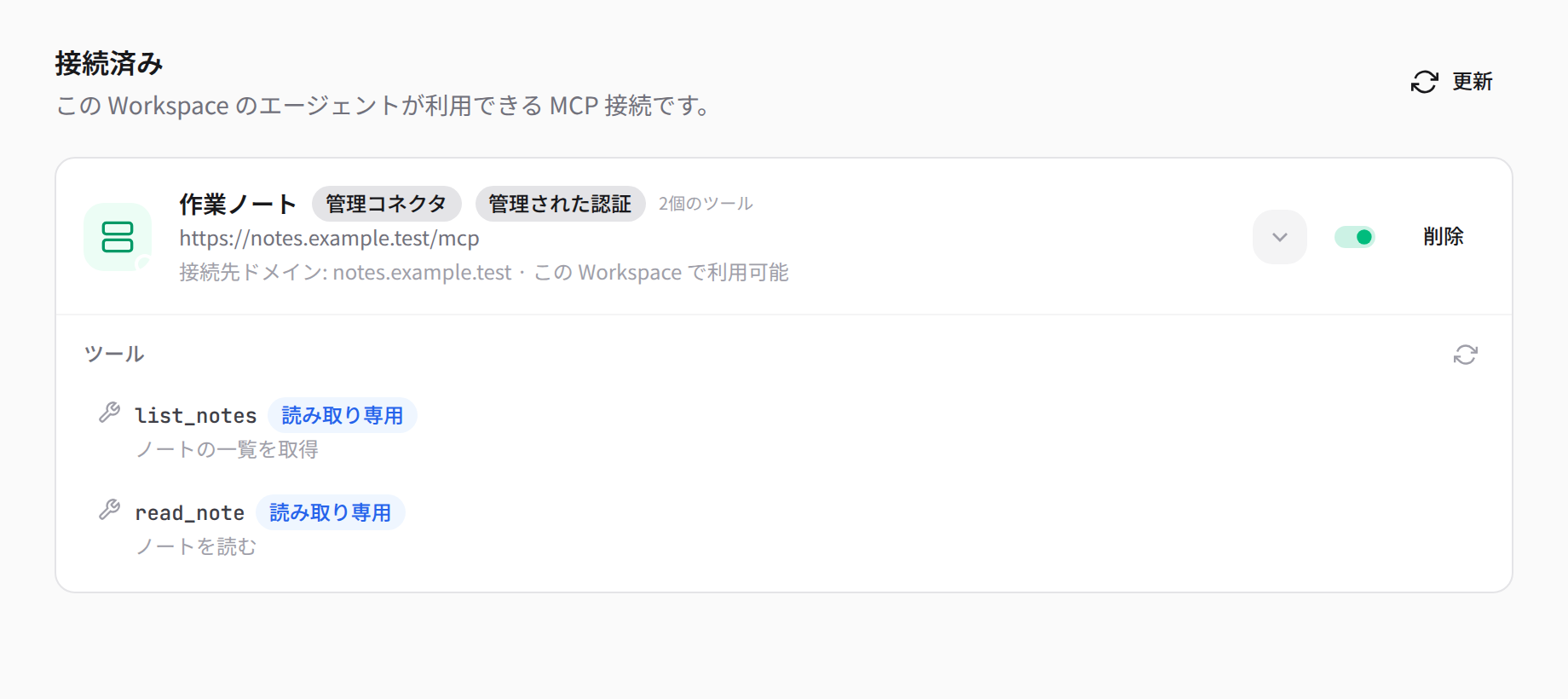
A Rust agent engine handles tool calls, file operations, and multi-step runs. Over MCP it reaches installable apps too — let an agent write docs or update a sheet.

  • Rust agent engine executes
  • Connects to apps / tools via MCP
  • Automates long procedures
03 · memory

Memory

The more you talk, the more context grows.

Memory accumulates in the Workspace from your interactions and carries context into the next chat. Memory also lives on your own server — never trained on, never sent out.

  • Memory accrues from chats
  • Context carries to the next chat
  • Not used for vendor training
04 · workspace

Workspace

The unit of people, agents, apps, and data.

A Workspace is the unit of activity. Each Workspace is isolated, with its own permissions, and you can add the apps you need — yurucommu for social, yurumeet for talk-first messaging, and more.

  • Isolation & permissions per Workspace
  • Add the apps you need
  • Remove apps when you no longer need them

Add apps when you need them.

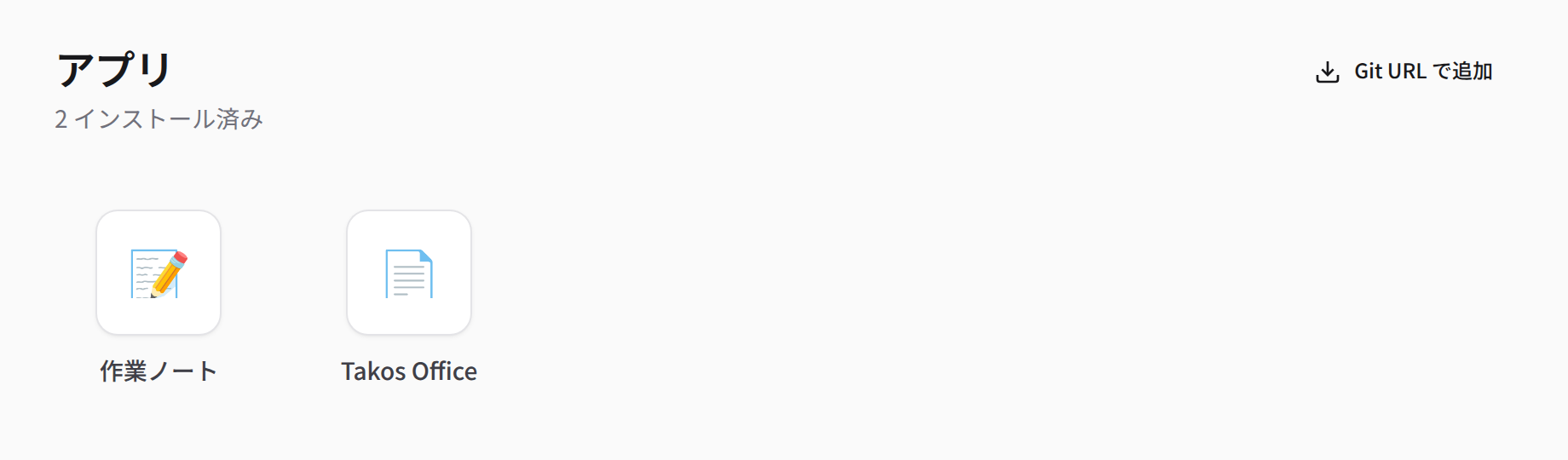
First-party apps that work with Takos. Install only the ones you want, and remove them when you no longer need them.

takos-office

office
docs / slide / sheet

An office suite that unifies docs, slides, and sheets in one worker. Agents can edit files directly over MCP, so you replace Google Docs / Slides / Sheets inside your own Workspace.

takos-computer

agent-tool
computer use

A computer-use environment your agents can call — hand off browser actions and command execution to automate routine, multi-step work.

yurucommu

social
ActivityPub social

Self-hosted ActivityPub / community social. An independent product that connects to the fediverse and can be added to your Workspace as an app — your data stays with you while you reach out.

yurumeet

talk
talk-first messaging

A LINE-like talk-first messenger in the yurucommu family. Use the same yurucommu account and API through a talk-centric UI. Install and remove it as a normal app.

Entrust it, or own it.

How running Takos on your own server differs from delegating to a SaaS provider — typical trade-offs framed around who owns the data (not true of every product).

Takos (self-host) / SaaS chat (delegated)
Takos (self-host)SaaS chat (delegated)
Where data livesYour own VM / cloudThe vendor’s servers
Memory / historyKept in your WorkspaceHeld by the provider, may train on it
Vendor lock-inExport / migrate anytimeMigration is often hard
CustomizationFork freely under AGPLOnly what is offered
Adding appsInstall the apps you needOnly what the vendor ships
Price (self-host)Software is free (infra only)Per-seat / usage billing

Use it, or run it yourself.

The hosted entry and the self-host deployment guide are separate. Takosumi manages accounts and deployment history, while Takos owns your Workspace and data.

Just use it

The easiest way in. Log in and follow the on-screen guide to start Takos. Until the public launch is ready, the guide pauses partway through.

Just use it

Run it on your own server

The full guide covers the OpenTofu infrastructure plus the worker artifact build/upload and Takosumi configuration. The official target today is Cloudflare.

Read the self-host guide